How to Evaluate Video Codec IP: Bandwidth, Latency and Quality Trade-offs Between H.264/H.265 Hardware and Software Encoding
Every video project runs into codec decisions: four-channel 1080p stitching needs streaming, camera arrays need backhaul, machine vision needs storage. Hardware codec IP or soft core? What bitrate keeps the picture clear? Can latency stay under one frame? This article turns the bandwidth, latency and resource trade-offs of hardware vs software encoding into a clear accounting framework for selection.
First, tell them apart: hardware codec IP, soft core codec, and CPU/GPU software encoding are not the same thing
There are three routes for video codec on FPGA, with resource cost and latency differing by an order of magnitude:
| Route | Implementation | Resource cost | Latency | Typical use |
|---|---|---|---|---|
| Hardware codec IP | FPGA embedded hard codec engine (Xilinx VCU / vendor hard codec core) | Almost no logic cells | Low (1–3 frames) | Multi-channel 1080p/4K real-time encoding and streaming |
| Soft core codec | RTL-written codec IP (uses LUT/BRAM/DSP) | High (single 1080p uses 30%+ logic) | Medium (3–8 frames) | No hard codec, custom algorithm needed |
| CPU/GPU software encoding | ARM/PS core runs x264/x265 software encoder | Uses CPU cores, no FPGA logic | High (10+ frames) | Non-real-time, offline transcoding, few channels |
Key judgment: if your FPGA has a hard codec engine (like Zynq UltraScale+ VCU), use hardware encoding first; for pure FPGAs without hard codec (Kintex-7/Virtex-7 class), multi-channel real-time encoding is the only reason to consider soft core IP; single-channel non-real-time just use CPU software encoding.
First account: bandwidth (what bitrate keeps the picture clear)
Codec output is a bitstream, and bitrate directly determines storage and transmission bandwidth. First calculate how much bandwidth four channels of video need:
H.264 1080p@30fps typical bitrate reference:
| Quality tier | Single channel | Four channels total | 4K single channel |
|---|---|---|---|
| Low (surveillance grade) | 2 Mbps | 8 Mbps | 8 Mbps |
| Medium (engineering grade) | 4–6 Mbps | 16–24 Mbps | 16–20 Mbps |
| High (display grade) | 8–12 Mbps | 32–48 Mbps | 30–40 Mbps |
H.265 saves about 40–50% bitrate vs H.264: at the same quality, H.265 four-channel 1080p medium quality is about 10–12 Mbps, 4K single channel about 10–12 Mbps.
Engineering experience: machine vision/industrial inspection scenes, H.264 4 Mbps is enough to see details clearly; display screens/exhibition scenes, H.265 8 Mbps and up. Don’t start at 20 Mbps — storage and backhaul bandwidth will blow up.
Second account: latency (when hardware encoding actually matters)
Real-time video is latency-sensitive: industrial cameras need closed loop, remote operation needs hand-following, low-latency streaming needs to stay under one frame.
| Stage | Hardware codec IP | Soft core codec | CPU software encoding |
|---|---|---|---|
| Encoding latency | 1–2 frames (33–66ms @30fps) | 3–6 frames (100–200ms) | 10–30 frames (300ms–1s) |
| Decoding latency | Within 1 frame | 2–4 frames | 5–10 frames |
| End-to-end (including transport) | <100ms | 200–400ms | 500ms+ |
For remote operation/surgical navigation/industrial closed loop, hardware encoding is the only choice — software encoding and soft core latency simply can’t keep up. For post-hoc storage playback, software encoding is enough, no need to spend logic resources.
Third account: resource cost (how much logic does soft core actually eat)
For FPGAs without a hard codec engine doing real-time encoding, how much resource does soft core IP actually consume? Take single-channel 1080p@30fps H.264 encoding as an example:
| Resource item | Usage (single 1080p H.264 encode) | % of XCKU15P | % of DUK7325T |
|---|---|---|---|
| LUT logic cells | ~80K | ~15% | ~40% |
| BRAM | ~6 Mb | ~10% | ~25% |
| DSP | ~120 | ~10% | ~30% |
Key conclusion: single-channel 1080p soft encoding on XCKU15P (Kintex UltraScale+) is manageable, but four channels simultaneously uses 60%+ logic; DUK7325T (Kintex-7 class) single-channel soft encoding already eats 40% of resources, multi-channel must use hardware encoding or switch to CPU software encoding.
The real bottleneck of hardware codec IP: not compute, but configuration
FPGAs with a hard codec engine (like Zynq UltraScale+ VCU) have fixed encoding capability — how many 1080p channels, how many 4K channels is written in hardware. The real pitfalls are in configuration:
1. Bitrate control mode: CBR (constant bitrate) for transmission, VBR (variable bitrate) for storage; wrong choice leads to blurry picture or bandwidth blowout.
2. GOP length: longer GOP gives higher compression but slower random access and seeking; surveillance GOP 2–4 seconds, live streaming GOP 0.5–1 second.
3. B-frames: enabling B-frames saves bitrate but adds latency; for low-latency scenarios turn off B-frames, bitrate rises 20–30%.
4. Resolution switching: hard codec engine needs re-initialization when switching resolution, can’t dynamically switch like software encoding.
Hardware encoding is not “configure and done” — bitrate control, GOP, and B-frames directly determine final picture quality and bandwidth; tune against the actual picture during debugging, don’t guess.
Selection decision: which route to choose for which scenario
Put the three accounts together and choose by scenario:
| Scenario | Recommended route | Reason |
|---|---|---|
| Multi-channel 1080p real-time streaming (≥4 channels) | Hardware codec IP | Low latency, no logic usage, multi-channel parallel |
| Single-channel 4K display screen | Hardware codec IP (H.265) | 4K soft encoding uses too much resource |
| Machine vision storage playback | CPU software encoding (H.264) | Non-real-time, saves FPGA logic |
| Pure FPGA without hard codec + multi-channel encoding | Soft core IP + lower resolution | Not enough logic, reduce channels or resolution |
| Remote operation/low-latency closed loop | Hardware codec IP (B-frames off) | Latency must stay under one frame |
Board selection advice: how to choose boards for codec projects
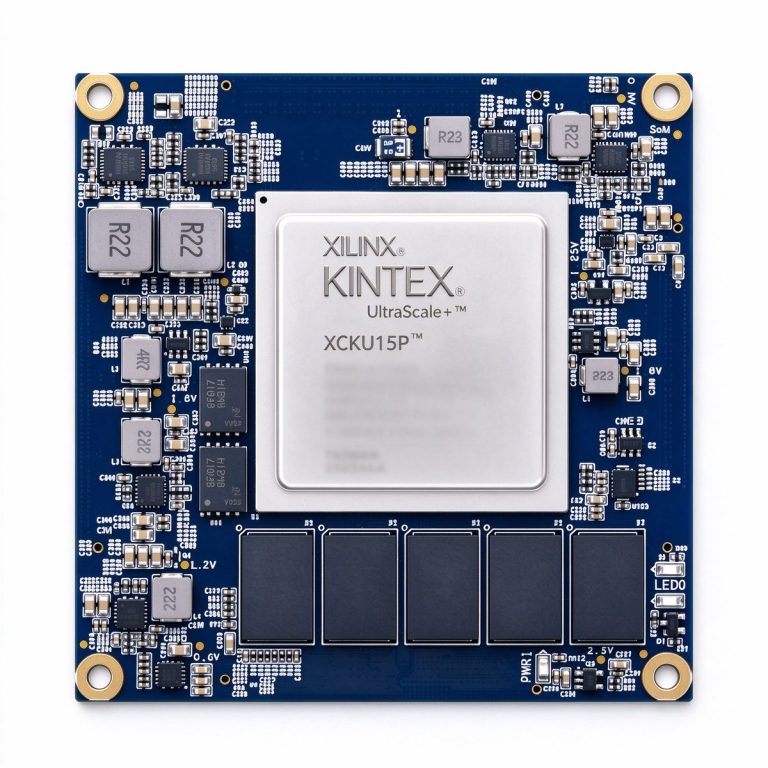
- XCKU15P core board (DUKU15P): Kintex UltraScale+ large logic resource, suitable for multi-channel soft core codec or high-bandwidth video links, ample logic margin.
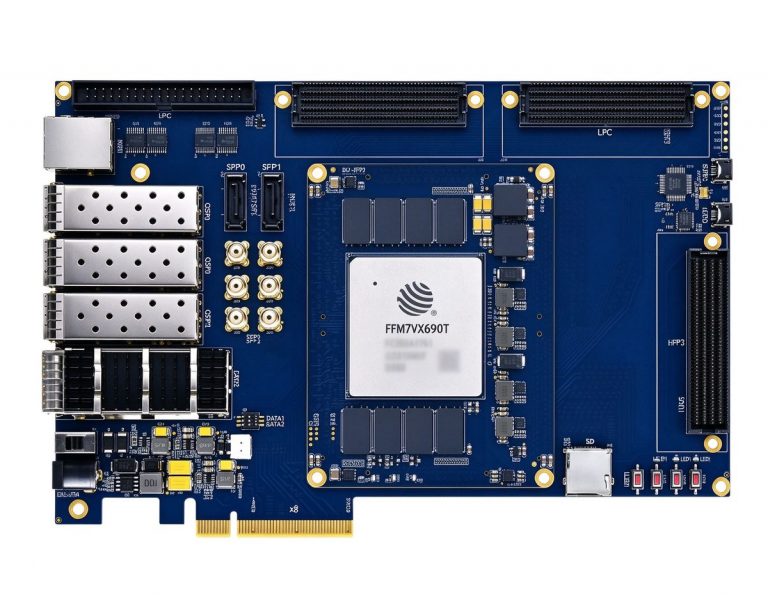
- DUF7690T (FudanMicro JFM7VX690T): domestic Virtex-7 class, large resources, suitable for video codec links in domestic projects.
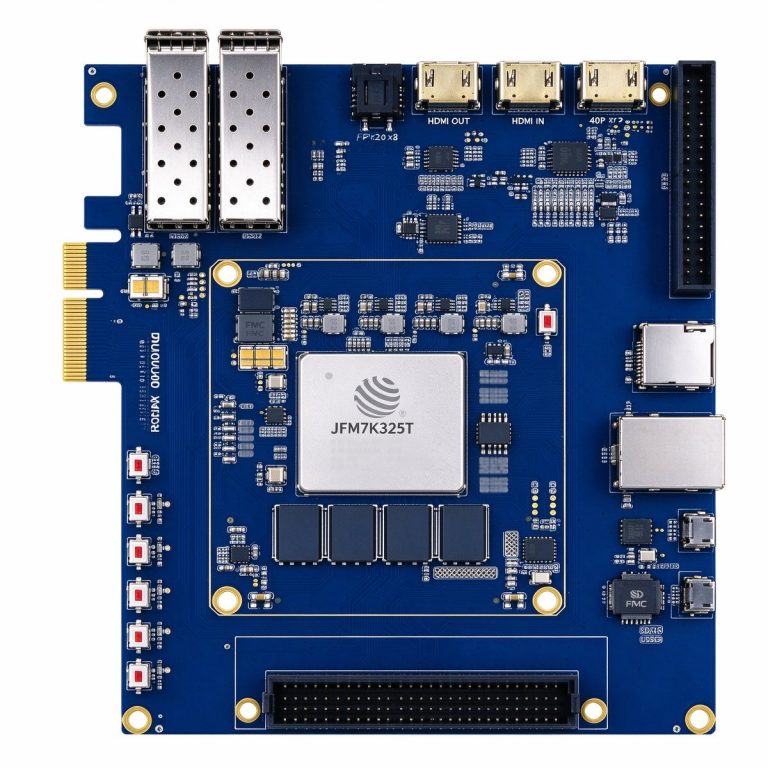
- DUK7325T (FudanMicro JFM7K325T): domestic Kintex-7 class, medium resources, suitable for single-channel encoding or non-real-time scenarios, cost-sensitive projects.
The core of codec selection is not “which IP has the strongest performance” but “how many channels, what resolution, what latency requirement does your scenario need” — define the scenario parameters first, then work backwards to bandwidth, latency and resource cost, then choose hardware or software encoding. Don’t pick the IP first and fit the scenario around it.
Further reading
- [Four-channel 1080p stitching and 4K output: FPGA video link practice](/article/four-channel-1080p-4k-output/)
- [PCIe bandwidth planning: DMA, DMA engines and multi-channel data allocation](/article/pcie-bandwidth-planning/)
- [10G/25G fiber backhaul: bare fiber links and FPGA optical port integration](/article/10g-25g-fiber-backhaul/)